- Home
- How to Tech
- How to Improve Your Home Wi-Fi ...


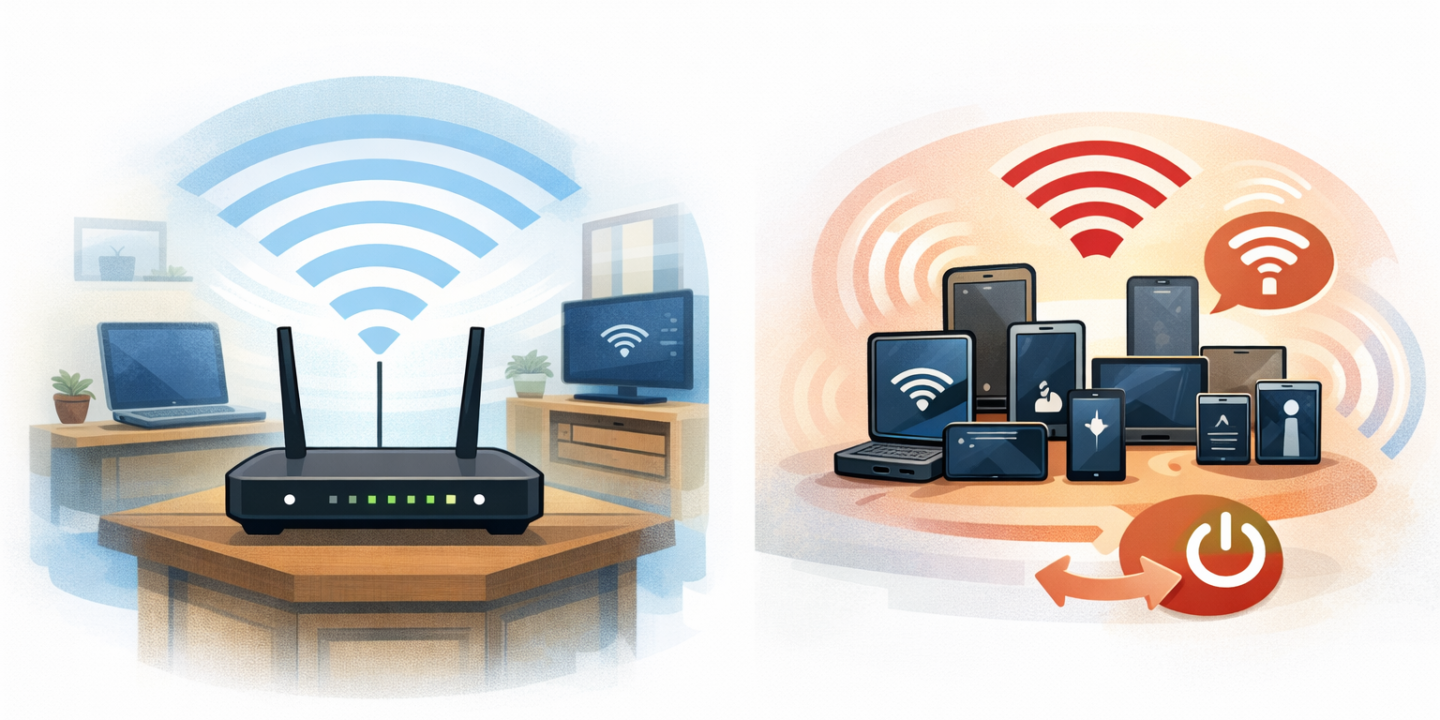
Slow Wi-Fi is one of the most annoying problems at home.
You’re on a video call, Netflix keeps buffering, or a simple download takes forever, and your first thought is:
“I think I need a new router.”
The good news?
In most cases, that’s not necessary. Slow Wi-Fi is usually caused by minor issues that are easy to fix. In this guide, you’ll discover practical and proven methods to speed up your home Wi-Fi without spending money on new equipment.
Why is your home Wi-Fi so slow?
Before you try to fix the problem, it’s helpful to know the most common causes:
- The router is in the wrong location
- Too many devices are connected simultaneously
- Background applications are using bandwidth
- The router hasn’t been restarted for weeks
- Signal interference from neighboring networks
The good news? There’s a simple solution for each of these problems.
1. Place your router in the right spot
The location of your router significantly impacts your Wi-Fi speed.
Tips for optimal placement:
- Place your router in the center of your home.
- Place it on a raised surface (such as a table or shelf).
- Place it in an open space.
Avoid:
- Corners of rooms
- Closets or drawers
- Near microwaves, televisions, or refrigerators
Simply moving your router can immediately improve signal strength and speed.
2. Reboot your router regularly
Routers need a break, too.
If your router hasn’t been rebooted for weeks, it may slow down due to memory overload.
Here’s how:
- Turn off your router.
- Wait 30 seconds.
- Turn it back on.
Tip: Reboot your router once a week for optimal performance.
3. Close background apps that use bandwidth
Many apps use bandwidth in the background without you even realizing it, including:
- Cloud backups
- Software updates
- Streaming apps
- Online games
What to do?
- Close unnecessary apps on your smartphone and laptop.
- Temporarily disable automatic updates.
- Pause cloud syncing when you don’t need it.
These few steps can significantly improve your Wi-Fi speed
4. Reduce the number of connected devices
The more devices you have connected, the more your bandwidth decreases.
If multiple smartphones, laptops, smart TVs, and tablets are connected simultaneously, you can expect slower speeds.
Solution:
- Disconnect unused devices.
- Turn Wi-Fi off on devices you’re not using.
• Change your Wi-Fi password after your guests have left.
5. Change your Wi-Fi channel (especially effective in apartments).
If you live in an apartment or a densely populated area, your neighbors’ Wi-Fi networks can interfere with your signal.
Simple solution:
- Go to your router settings.
- Set your Wi-Fi channel to “Automatic” or try channel 1, 6, or 11.
This reduces interference and improves signal stability.
6. Outdated devices can slow down your network.
Very old smartphones or laptops aren’t compatible with modern Wi-Fi standards and can slow down your network for everyone.
Tips:
- Disconnect outdated devices from your network if possible.
- Use newer devices for work or streaming.
7. Clear your browser cache and disable extensions.
Sometimes the problem isn’t with Wi-Fi, but with your browser.
Try the following solutions:
- Clear your browser cache
- Temporarily disable resource-intensive extensions
- Test your speed with a different browser
8. Run an internet speed test
Sometimes the problem lies with your internet service provider (ISP), not your Wi-Fi.
What to check:
- Run speed tests at different times of the day.
- Compare the results to your plan’s speed.
- If your speed is consistently low, contact your ISP.
9. Update your router’s firmware
Outdated router software can affect performance.
- Log in to your router’s admin interface.
- Check for available firmware updates.
- Install all available updates.
- Do not unplug your router during an update.
10. Do Wi-Fi speed booster apps really work?
Many apps claim to boost Wi-Fi speed.
The truth:
- Apps can’t magically improve Wi-Fi signal quality.
- Most apps simply display ads or collect data.
- Beware of false promises.
Focus on practical solutions, like router placement and settings.
Frequently Asked Questions
Why is my Wi-Fi slow, even with a good internet connection?
Even with a fast internet connection, Wi-Fi can be slow due to poor router placement, too many connected devices, apps running in the background, or interference from neighboring networks.
Does restarting your router really improve Wi-Fi speed?
Yes. Restarting your router clears temporary memory and refreshes the connection, which often improves speed and stability.
How often should I restart my Wi-Fi router?
It is recommended to reboot your router once a week for optimal performance.
Can walls and furniture slow down your Wi-Fi signal?
Yes. Thick walls, metal objects, and bulky furniture can block or weaken Wi-Fi signals, resulting in slow or unstable connections.
Is slow Wi-Fi always the router’s fault?
No. Sometimes the problem can be caused by your internet service provider, outdated devices, or apps using bandwidth in the background.
Are Wi-Fi boosters or speed optimization apps effective?
Most of these apps don’t actually increase your connection speed. They usually display ads or only provide basic network information.
How many devices can slow down your home Wi-Fi?
There is no exact number, but when multiple devices are streaming video, downloading files, or playing online games at the same time, Wi-Fi speeds spread out and decrease.
Should I change my Wi-Fi password regularly?
Yes. Changing your Wi-Fi password regularly will prevent unauthorized users from using your bandwidth.
When should I buy a new router?
You should consider a new router if:
- Your router is 6 to 7 years old
- It is not compatible with modern devices
Speed issues persist despite trying all the solutions
What is the easiest way to immediately improve your Wi-Fi speed?
The quickest solutions are:
- Restart your router
- Move your router to a more central location
- Unplug unused devices
Conclusion
Slow Wi-Fi doesn’t necessarily mean you need an expensive router.
With the right habits and settings, you can significantly improve your Wi-Fi speed at home without buying a new router.
A few small adjustments can make all the difference.

The creator of HowToMake0.com brings well-researched knowledge and practical creativity together, offering clear, step-by-step ideas and guides to turn concepts into real projects.